

For organisers
Run the meeting programme for your expo or conference from one place. B2B Exhibition helps your team set up bookings before the show, manage activity on the day and check what happened in each hall.
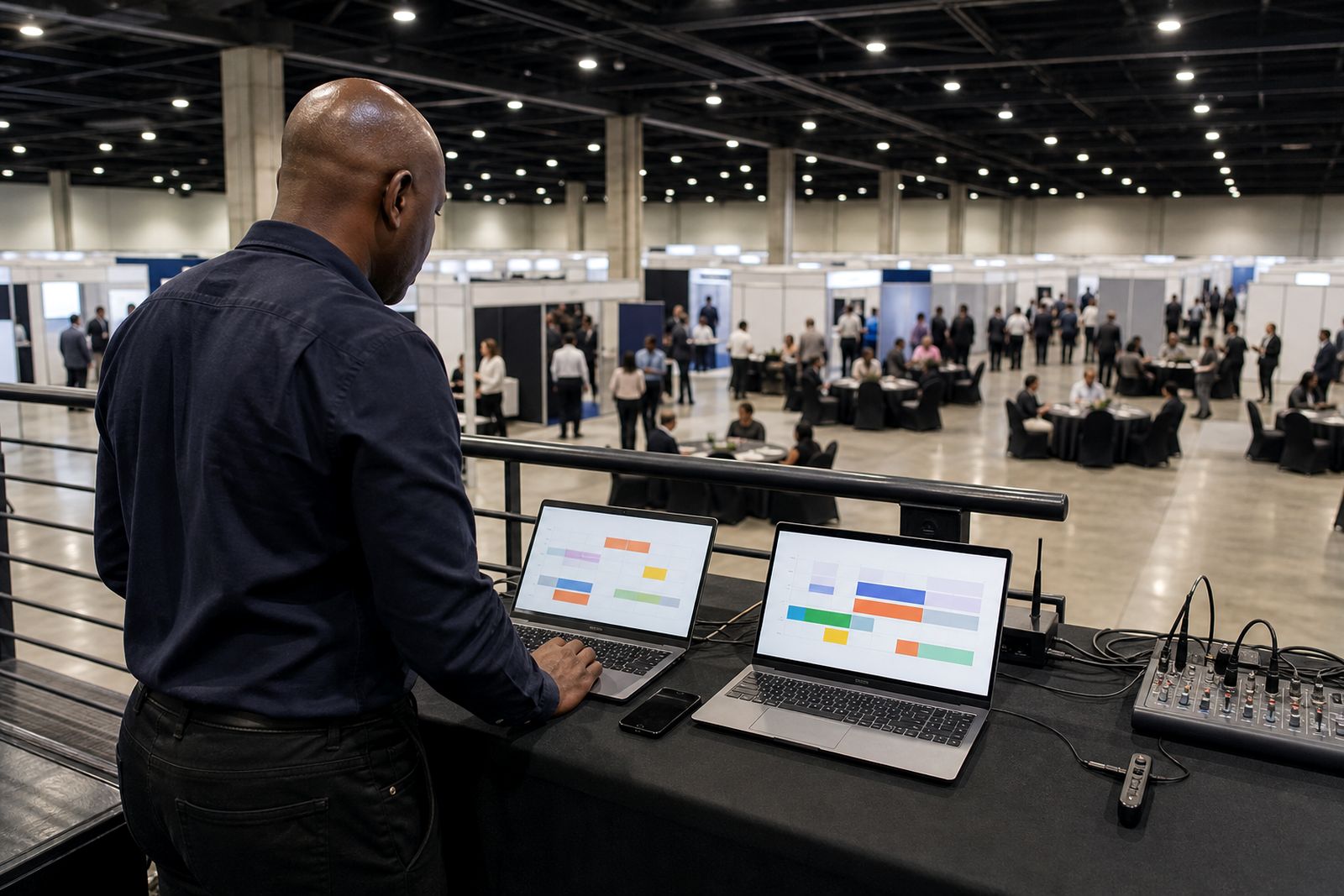
A clear organiser view from setup to close
This section is for organisers who need the meeting programme to work neatly across a busy event. Instead of chasing spreadsheets, printed lists and last minute WhatsApp messages, your team can manage pre-booked fifteen-minute meetings through one dashboard. Exhibitors and visitors book before the show, the system sends reminders and table numbers, and your team can follow booked, held and missed meetings hall by hall.
If you are deciding where to start, use the pages in this section by task. Go to setting up your show if you are planning halls, time slots and meeting zones. Go to live hall dashboard if you need the on-the-day view for monitoring progress and sorting out snags fast.
What organisers can control
The organiser side covers the practical jobs that affect flow on the floor. It gives your operations team a live picture of what is booked and what still needs attention, without adding more admin for exhibitors. This matters on large expo days where several halls are active at once, and it matters just as much at a focused conference with one dedicated meeting area.
- Set the meeting structure for the show, including fifteen-minute slots.
- Allocate table numbers so both sides know where to go.
- Track booked, held and missed meetings by hall.
- Give floor staff one place to check activity during the event.
- Review results after the show to see what worked and what needs changing.
How to choose between the organiser pages
Each page in this section answers a different organiser question. If your team is still planning, start with setup. If your team is already preparing for doors open, the live hall view will likely be your next stop. The split is simple and practical.
- Choose Setting up your show when you need to define halls, schedule windows, table layouts and the basic rules for bookings.
- Choose Live hall dashboard when you need to watch attendance patterns, spot missed meetings and support the floor team while the event is running.
- Use both if you want a full organiser workflow from planning through to on-the-day control.
A good rule is this: before the event, focus on structure and clarity. During the event, focus on movement and exceptions. That keeps your team from overcomplicating things, which helps a lot when people are arriving late or one hall starts filling faster than expected.
Practical comparison for planning and live operations
Organisers often need to separate planning tasks from live operations tasks. The table numbers, meeting zone layout and slot timings are planning items. Tracking who actually turned up is a live item. Keeping that distinction clear helps avoid confusion on the day.
- Planning work: set meeting windows, assign tables, decide how many appointments can run at once, brief exhibitors on how bookings will work.
- Live operations: monitor booked versus held meetings, check where misses are happening, guide attendees to the right table, move staff to the busiest hall if needed.
- After-show review: compare halls, look at attendance patterns, note timing pinch points and improve the next floor plan.
For example, a compact conference may only need a small meeting zone with simple numbering. A large expo with multiple halls may need stricter table allocation and closer monitoring so the floor team can react quickly. Same system, different setup.
Built for real event conditions in South Africa
Event teams here deal with practical issues that can disrupt a meeting programme if the process is loose. Delegates arrive from airports in Johannesburg, Durban or Cape Town, sessions overrun, and traffic around venues can shift arrival times by quite a bit. A structured booking system helps because both sides already know their time and table number before they walk in.
It also helps when power cuts or patchy venue connectivity create pressure on floor operations. When the meeting programme is already organised into clear time slots and tables, your team spends less time answering basic questions and more time helping people who actually need support. That sounds obvious, but on a busy day it saves a lot of running around.
Use this section to improve the next show as well
The organiser pages are not only for getting through this event. They also help you prepare the next one with fewer avoidable issues. Once you can see booked, held and missed meetings by hall, you have a much better basis for changing layouts, staffing and meeting zone size.
Start with the page that matches your immediate job, then move to the other page when your stage of work changes. If you are still mapping the programme, begin with setup. If the show is live or nearly live, move to the hall dashboard. When you are ready to talk through your event requirements, send an enquiry through our contact page.
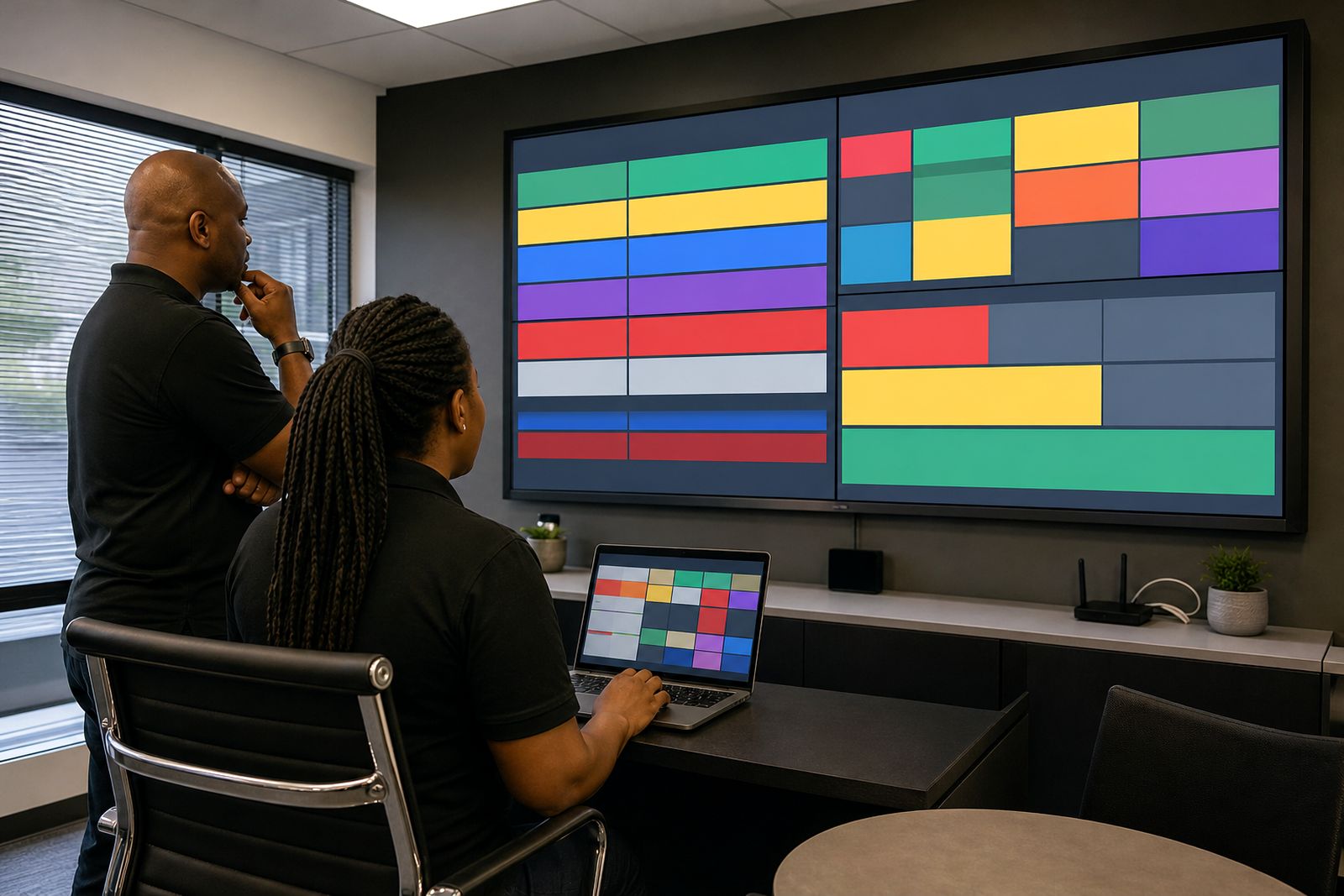
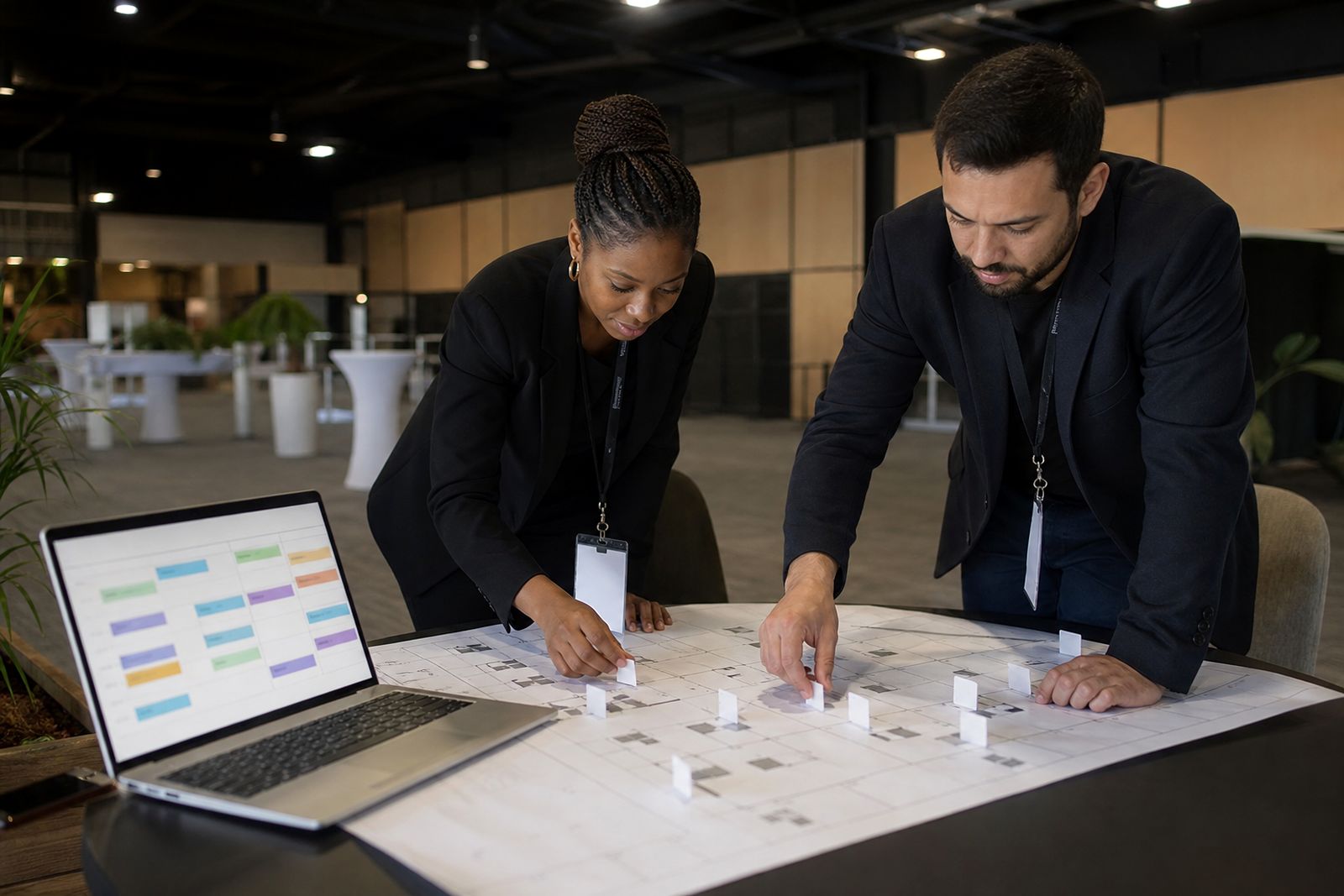
What our Meeting Scheduling customers say
Verified Google reviews
Questions we get asked
Can organisers run more than one hall?
Yes. The organiser view is built to track booked, held and missed meetings for each hall, so your team can monitor activity across the event.
Do exhibitors and visitors get their meeting details before the show?
Yes. Meetings are booked before the event, and the system sends reminders and table numbers so both sides know when and where to meet.
Which organiser page should we read first?
Start with Setting up your show if you are planning the structure and meeting zone. Start with Live hall dashboard if you need the on-the-day operational view.
See the scheduler for your show
Send a note through our contact form with the kind of expo or conference you run and roughly how many exhibitors take part, and our team will set up a walk-through.
Open the contact form