

Setting up your show
We set up the meeting layer for your expo or conference so exhibitors and visitors can book fifteen-minute appointments before the doors open. From halls and table numbers to time slots, invitations and live tracking, the setup is planned around how your show actually runs.
What is included in the setup
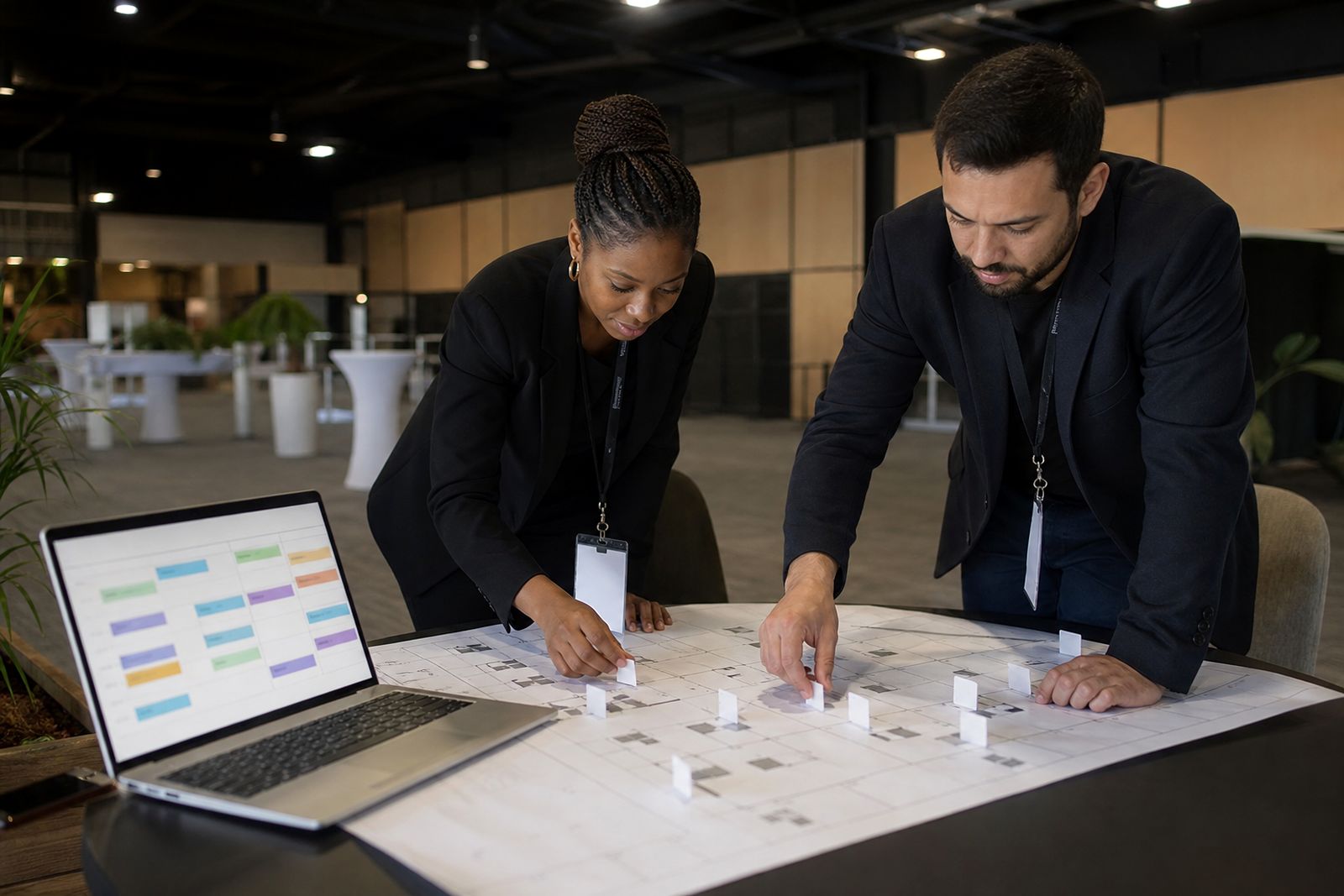
Setting up your show starts with the event structure. We configure your halls, meeting zones, table numbering, daily booking windows and the rules that decide who can request or accept meetings. The aim is simple: visitors must be able to find the right exhibitor, book a clear fifteen-minute slot, and arrive at the correct table without confusion.
For organisers, the setup also includes the control side. We prepare the show dashboard so your team can monitor booked, held and missed meetings by hall, by day and by exhibitor group. If your event has different access levels, staggered visitor entry, hosted buyers or restricted categories, those rules are built in before invitations go out. This keeps the booking process clean and avoids a rush of manual changes close to opening day.
- Hall and meeting-zone structure
- Table numbering and capacity rules
- Fifteen-minute slot schedules by day
- Exhibitor and visitor invitation setup
- Booking rules, approval flow and cut-off times
- Organiser dashboard views for each hall
How the setup process works
We begin with a working session to map the event. That includes the number of halls, the expected meeting areas, how many tables will be in each zone, and the opening and closing times for each day. If one hall opens later or one section is reserved for premium exhibitors, that is separated at setup stage rather than patched in later.
Next, we build the booking timetable. Standard appointments are fifteen minutes, but the usable day still needs care. We account for registration peaks, lunch periods, keynote sessions and move times between halls. A day that looks open on paper can become too tight if visitors must walk from one end of a venue to another, so we plan sensible buffers where needed.
Once the timetable is approved, we load the exhibitor list and prepare the invitation flow. Organisers review categories, stand names, attendee groups and access permissions before the booking window opens. We then test the booking path from invite to confirmed meeting. Small checks here save a lot of admin later, and it helps your team start with a clean list.
- Kick-off session on event structure and rules
- Build hall layouts, tables and booking windows
- Load exhibitor and attendee groups
- Set invitations, reminders and meeting confirmations
- Test booking journeys and table allocation
- Open the show for live bookings
What you need to prepare
The best setup comes from having the practical details ready early. Your team does not need technical documents, but you do need a clear event list, the basic floor plan and the people who can approve changes quickly. If table counts or hall names keep changing in the final week, the booking side becomes harder to manage and visitors can receive mixed messages.
Please prepare the attendee groups, exhibitor categories and any special rules before setup starts. For example, some shows allow only exhibitors to approve meetings, while others allow open requesting across all approved attendees. It is also helpful to decide whether every hall uses the same slot grid or whether one area needs a different pattern. This often happens when conference sessions run alongside meetings.
- Confirmed hall names and meeting-zone names
- Estimated table count for each zone
- Daily show times and any blocked periods
- Exhibitor list with categories or sectors
- Attendee groups and invitation timing
- A named organiser contact for approvals and urgent changes
If your show is moving between cities such as Johannesburg, Durban and Cape Town, tell us early if layouts differ by venue. Coastal events sometimes need stricter wayfinding because people spread out faster between halls and foyers, so table numbering and signage references should stay simple.
Hall, table and slot specifications
The system is built around fifteen-minute meetings, with each booking tied to a hall and table number. This sounds straightforward, but the setup needs to match how people move on the day. A meeting zone with 20 tables can handle traffic very differently from one with 80 tables, especially where access points are narrow or one hall has stronger footfall than another.
We recommend numbering tables in a clear sequence and keeping zones distinct. Where possible, use obvious naming that matches your floor plan and printed materials. If the event spans multiple halls, avoid table labels that repeat across halls, because that creates missed meetings and queuing. A little discipline in the naming and spacing goes a long way.
- Meeting length: fixed at fifteen minutes
- Slot schedule: set per hall or per zone
- Table IDs: unique within the show
- Hall labels: aligned to organiser naming
- Booking cut-off: defined before opening day
- Reminder timing: set before each meeting block
We can also plan for practical disruptions, including power cuts or temporary hall closure. In those cases, organisers need a quick way to pause, monitor and guide traffic, so we discuss fallback procedures in advance even if they are never used.
How pricing is worked out
Pricing is based on the scope of the show rather than a one-size-fits-all figure. The main factors are the number of halls or meeting zones, the number of exhibitors, the complexity of attendee groups, the booking rules, and the amount of organiser support needed before and during the event. A single-hall trade show with one invitation path is naturally simpler than a conference with multiple access levels and separate meeting areas.
Changes late in the run-up can also affect the amount of setup work. If table counts, categories or invitation timing move several times, there is more checking and retesting to do. We explain the likely cost drivers upfront in plain terms so organisers understand where the work sits, not just the headline total.
- Show size and number of halls
- Meeting-zone and table complexity
- Exhibitor and attendee volume
- Invitation and approval rules
- Testing, training and live-event support
- Post-show reporting requirements
Aftercare before, during and after the show
Setup is not the end of the job. Before opening day, we stay involved to help with final checks, booking cut-off timing and invitation follow-up. During the live booking period, organisers can monitor activity and spot slow areas early. If one hall is filling faster than another, your team can act while there is still time to improve balance.
On the day, the focus shifts to visibility. Your team can track booked, held and missed meetings across the event and respond if a zone is backing up or an exhibitor is not attending their appointments. This is useful for larger shows where multiple halls are running at once and manual tracking becomes unreliable. It also gives a proper record after the event, which many teams need for internal reporting.
After the show, we help you review what happened by hall, table area and meeting status. That makes the next event easier to plan, because you can see where the schedule worked and where it was too tight. It's practical aftercare based on what actually happened at the show floor, not theory.
What our Meeting Scheduling customers say
Verified Google reviews
Questions we get asked
Can different halls use different meeting times on the same show?
The meeting length stays at fifteen minutes, but booking windows and blocked periods can be set differently by hall or zone to suit your programme.
What if our table numbers or hall layout change close to the event?
Changes can be managed, but early confirmation is better. Late layout changes usually mean extra checking of bookings, reminders and table references.
Do organisers need to manage every meeting manually?
No. Organisers set the rules and monitor the live dashboard, while exhibitors and visitors book their own meetings within the structure you approve.
Also worth a look
See the scheduler for your show
Send a note through our contact form with the kind of expo or conference you run and roughly how many exhibitors take part, and our team will set up a walk-through.
Open the contact form