

How it works
B2B Exhibition helps exhibitors and visitors line up fifteen-minute meetings before an expo or conference starts. From the first invitation to the last session in the hall, the system keeps bookings, reminders, table numbers and live show tracking in one place.
What this section covers
This section explains the full meeting journey on B2B Exhibition. It is the place to start if you want a plain overview before moving into the more detailed pages on booking, reminders, table numbers and organiser tools.
The software is built for expos and conferences across South Africa, with support managed from Johannesburg. Exhibitors and visitors book fifteen-minute meetings before the show, then the app sends reminders and table numbers while organisers follow progress on a live dashboard for each hall.
If you are deciding which page to open next, use this simple guide.
- Choose Booking fifteen-minute meetings if you want to see how requests, acceptances and diary slots work.
- Choose Reminders and table numbers if your main concern is getting people to the right place on time.
- Choose Live hall dashboard if you run the show floor and need a live view of booked, held and missed meetings.
Before the show: invitations and profiles
The process starts before anyone arrives at the venue. Exhibitors and visitors are invited onto the platform so they can complete their profiles, review who is attending and decide which meetings matter most. This early setup is where most of the value sits, because a good show diary is usually built in the weeks leading up to the event, not in the queue at registration.
Each participant can review the event list and send meeting requests in advance. That means less last minute chasing on the day, fewer handwritten notes and less confusion around who promised to meet whom. Organisers also get a cleaner picture of likely demand for the meeting zone which helps when tables are being allocated.
For a busy national expo this matters. People often travel in from Cape Town, Durban, Gqeberha and Pretoria and need their day mapped out properly, not guessed on arrival.
Booking fifteen-minute meetings
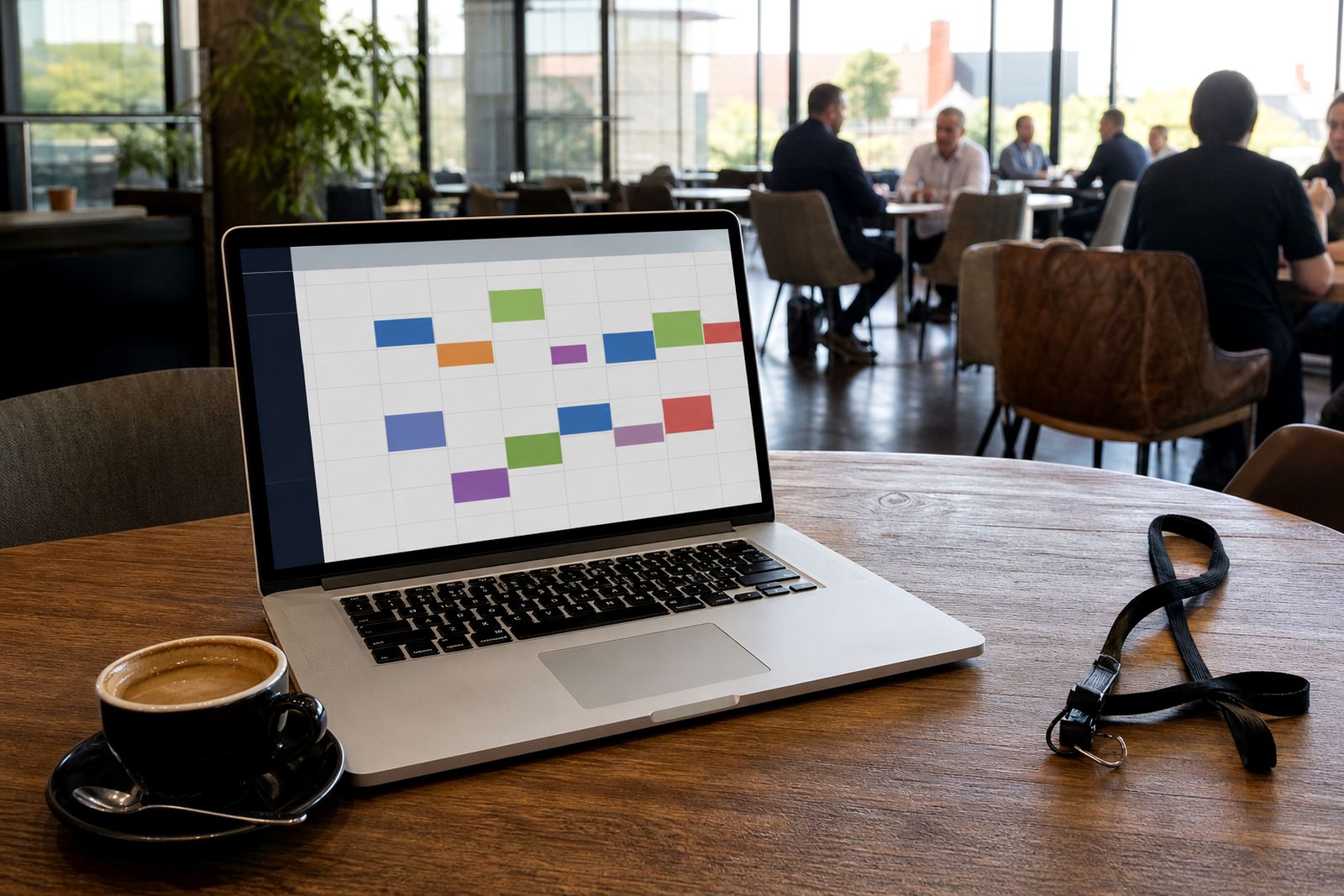
Meetings are built around fixed fifteen-minute slots. That keeps the format fair for everyone and makes it easier to run multiple tables across a hall without overlap. Exhibitors and visitors can request meetings, accept suitable requests and fill open times in their diary.
This page group is useful if you need to understand the booking side in more detail, especially if your team wants to know how fast a diary can fill once invitations go out.
- Best for structured networking: fixed fifteen-minute slots keep movement predictable.
- Best for focused sales conversations: both sides know the meeting time in advance.
- Best for organisers: standard slot lengths make table planning easier.
Compared with ad hoc walk-up meetings, pre-booked slots give better use of floor time. People arrive knowing who they are meeting and when, so there is less standing around and fewer missed opportunities. It also means an exhibitor can prepare for each conversation instead of reacting cold.
Reminders and table numbers on the day
Once meetings are booked, the next job is getting people to the right place at the right time. The app sends reminders and table numbers so participants know where to go for each appointment. This is especially useful at larger shows where halls are busy and foot traffic can pull people off schedule.
Clear table allocation helps avoid the usual problems: two people waiting at different tables, late starts because a hall map was read wrong, or staff trying to redirect attendees in the aisle. A reminder just before the slot gives people one last prompt and helps keep the meeting zone moving.
If your event has several halls or a split floorplan, table numbers matter even more. A small delay at one end of the venue can quickly affect the next two or three meetings, so these prompts do a lot of the practical work for you.
What organisers track live
During the show, organisers need more than a booking list. They need to see what is actually happening now. The live hall dashboard gives a current view of booked, held and missed meetings for every hall, so the operations team can spot issues while there is still time to fix them.
This is the main difference between planning tools and live show tools.
- Planning view: who requested, who accepted and which slots were filled before the doors open.
- Live view: which meetings are taking place, which were missed and where attention is needed right now.
- Hall by hall view: useful when one zone is running well and another needs intervention.
For organisers this helps with staffing and floor decisions. If a meeting area is falling behind or a section is seeing repeated no-shows, the team can respond there and then, not only after the event when nothing can be changed.
How to choose the right page next
If you are new to the platform, the best route is to move from booking to on-the-day control in order. Start with how meetings are booked, then read the page on reminders and table numbers, and after that go to the organiser pages for setup and live tracking.
If you are an organiser planning the show layout, read this section together with the pages on setting up your show and laying out a meeting zone. If you are an exhibitor trying to make the most of your attendance, move next to the exhibitor pages on filling your diary and on the day.
The system is simple when each step is handled in sequence. Invitations first, bookings next, reminders before the session and live oversight while the hall is active. That order keeps the process tidy and saves admin later, even when the event gets busy fast.
What our Meeting Scheduling customers say
Verified Google reviews
Questions we get asked
Do meetings have to be booked before the show opens?
The platform is designed so exhibitors and visitors can book fifteen-minute meetings before the show, giving everyone a clearer diary before arrival.
Can organisers see what is happening across more than one hall?
Yes. Organisers get a live dashboard showing booked, held and missed meetings for every hall.
Where do we ask for a demo or more detail?
Please use the enquiry form on the contact page and our team will respond with the next steps.
See the scheduler for your show
Send a note through our contact form with the kind of expo or conference you run and roughly how many exhibitors take part, and our team will set up a walk-through.
Open the contact form