

Features
B2B Exhibition covers the parts of expo meeting scheduling that matter before the show and on the day. This page gives you a clear view of the feature set so you can decide which areas to review first.
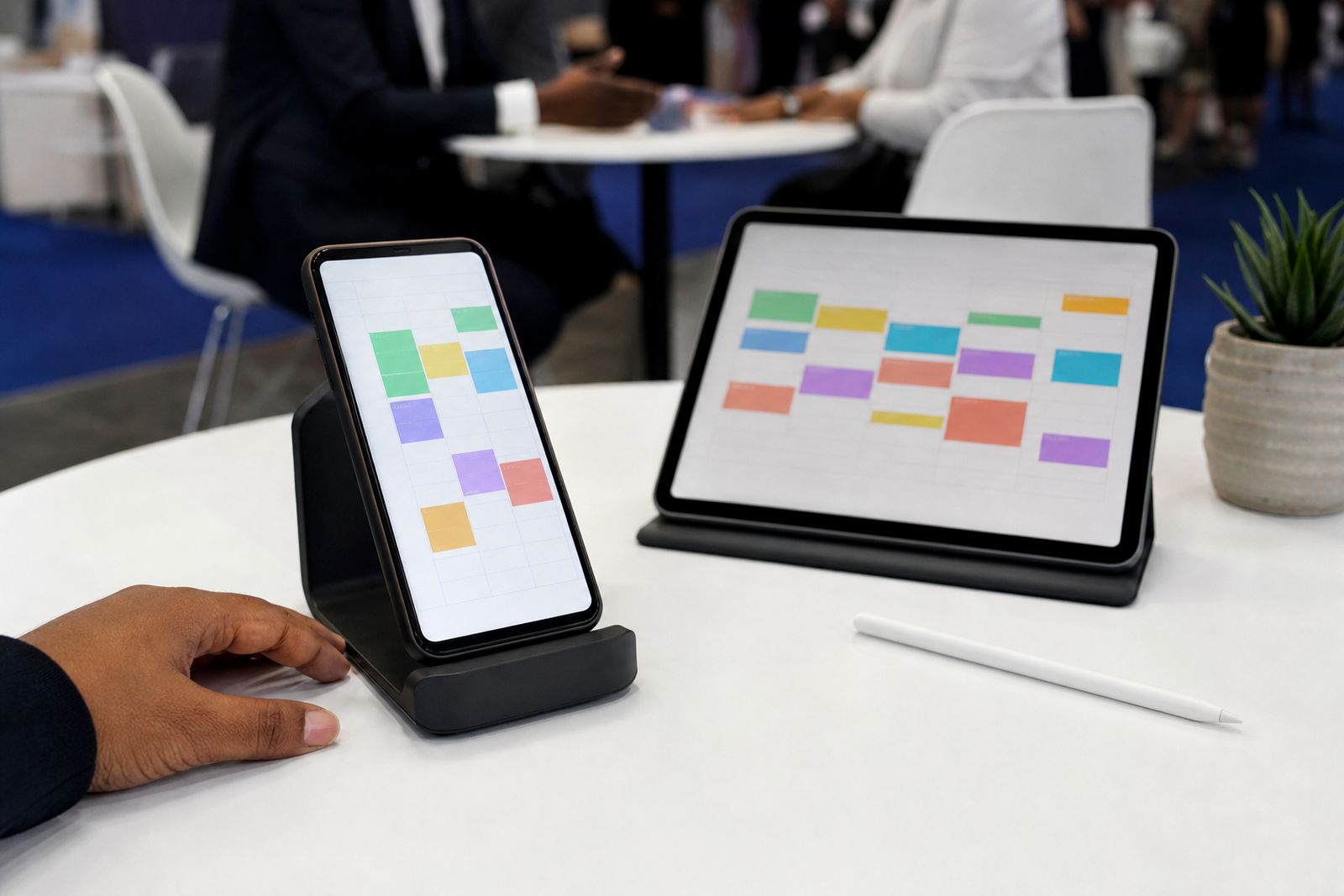
What this feature set covers
B2B Exhibition is built for expos and conferences where exhibitors and visitors need short, fixed meetings arranged before the doors open. The system focuses on fifteen-minute appointments, table allocation, reminders and a live organiser view across halls. Instead of long email chains or manual spreadsheets, both sides can book into a structured timetable that is ready before arrival.
This section is a hub for the main working parts of the scheduler. If you are comparing options, start with the pages that match your role. Organisers usually begin with setup and live hall oversight, while exhibitors often go straight to diary filling and on-the-day use. If your biggest problem is missed meetings, reminders and post-show reporting are the right places to start.
Core scheduling tools before the show
Before an expo opens, most of the pressure sits in getting the right people into the right time slots without double-booking. The scheduler handles appointment requests and accepted bookings in one place, then keeps each confirmed meeting tied to a timeslot and table number. That means less confusion when visitors arrive with a full day planned.
- Fifteen-minute meeting slots that suit busy exhibition floors.
- Booking flow for exhibitors and visitors before the event starts.
- Confirmed times linked to table numbers for easier wayfinding.
- A shared structure across halls so organisers can monitor activity properly.
If you need to understand the day-to-day booking process, review the pages on booking meetings and matchmaking first. They explain how diaries fill up and how requests move toward confirmed appointments.
Reminders, table numbers and fewer missed meetings
A booking only helps if both people actually arrive. That is why reminders and table numbers sit at the centre of the system rather than as an extra. The app sends meeting reminders and gives attendees the table number they need, so there is less last-minute hunting around a busy hall and less chance of a slot being wasted.
This matters at large Gauteng events and also at coastal shows where foot traffic spreads between indoor halls and outdoor areas. A clear table reference saves time, and regular prompts help when attendees are moving between talks, stands and parking areas. It sounds simple, but it solves a very common expo problem.
- Reminders reduce forgotten meetings.
- Table numbers cut down on wandering and late arrivals.
- Attendees know where to go without asking floor staff repeatedly.
- Organisers get a cleaner picture of what was booked and what was actually held.
Choosing the right pages to review first
If you are deciding whether the scheduler fits your event, it helps to compare the feature areas by the operational problem you are trying to fix. Some shows struggle to fill diaries early, others run into confusion on the floor, and some mainly need clean reporting after the event. Use the guide below to choose your next step.
- If your issue is empty exhibitor diaries: start with Matchmaking and requests, then read Filling your diary.
- If your issue is people not finding meetings: start with Reminders and table numbers, then read On the day.
- If your issue is hall oversight: start with Live hall dashboard, then read Setting up your show.
- If your issue is measuring results after the event: start with Reports after the show.
This comparison keeps the review practical. Rather than reading every page in order, you can go straight to the parts that match your current expo process and the bottlenecks you need to sort out first.
What organisers can monitor live
Organisers need more than a list of bookings. They need to know what is happening hall by hall while the event is running. The live dashboard gives a working view of booked, held and missed meetings across the show, which helps the operations team spot trouble early and respond while there is still time to fix it.
For example, if one meeting zone is falling behind or a hall has an unusual number of missed appointments, the floor team can step in, check signage, direct attendees or review how the zone is laid out. That kind of visibility is useful at compact conference venues and at larger expo sites where walking times can affect punctuality a bit more than expected.
Useful after the show as well
The scheduler is not only about getting through event day. After the show, reporting helps organisers and exhibitors review what was booked, what took place and which appointments were missed. That gives a better basis for planning the next event than relying on rough estimates or handwritten notes.
For organisers, the reporting side supports decisions on meeting-zone layout, hall allocation and appointment flow. For exhibitors, it provides a record of diary activity and follow-up priority. If you are comparing feature pages, the best route is often to look at the live dashboard first and then move to post-show reporting. Together they show both the live operational picture and the record left behind after the halls clear.

What our Meeting Scheduling customers say
Verified Google reviews
Questions we get asked
Is this feature section for organisers or exhibitors?
It covers both. Some pages focus on organiser control, while others focus on how exhibitors and visitors fill and manage meeting diaries.
Do meetings have fixed lengths in the system?
Yes. The scheduler is built around fifteen-minute meetings for expos and conferences, which keeps booking structure consistent across the event.
How do we ask about the right setup for our show?
Use the enquiry form on the contact page and outline the type of expo or conference you are planning, plus any meeting-zone or hall requirements.
See the scheduler for your show
Send a note through our contact form with the kind of expo or conference you run and roughly how many exhibitors take part, and our team will set up a walk-through.
Open the contact form