

Booking fifteen-minute meetings
This is the part of the system where exhibitors and visitors choose who they want to meet and lock in a fifteen-minute slot before the show opens. The booking flow is kept simple so people can fill diaries quickly, avoid clashes, and arrive knowing exactly where to go.
What this booking service covers
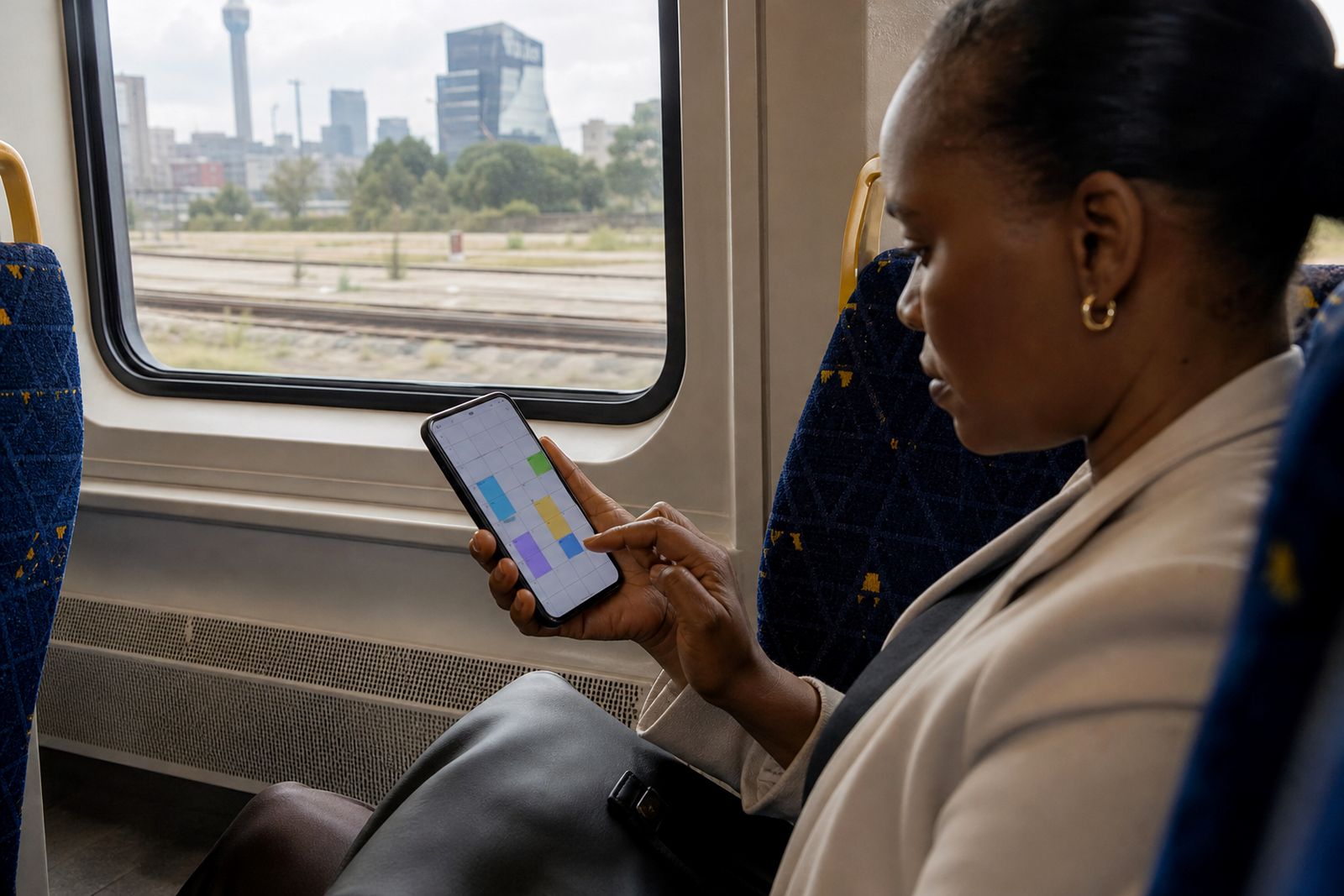
Our meeting booking module is built for expos and conferences where short, planned conversations matter more than chance walk-ups. Each exhibitor and visitor gets access to a schedule view where they can review availability, send requests, accept invitations, and reserve a fifteen-minute meeting at a set table or meeting point. The aim is straightforward: less back-and-forth before the event and fewer empty slots on the day.
The booking setup works across single-hall events and multi-hall shows in South Africa. Organisers can decide who is allowed to book, when booking opens, when it closes, and how many parallel meetings can run in each zone. That makes it practical for trade events in Johannesburg, Durban, Cape Town, Gqeberha, Pretoria and smaller regional centres where floor layouts and visitor flow can differ quite a bit.
- Fixed fifteen-minute meeting slots
- Availability by exhibitor, visitor and meeting zone
- Request, accept and confirm workflow
- Automatic clash prevention for double bookings
- Table or meeting-point assignment linked to each booking
- Booking window controls for organisers
How exhibitors and visitors book slots
The process starts once the organiser has approved the show setup and opened booking. Users sign in, complete their profile, and review the list of participating companies or attendees available for meetings. From there they can choose a contact, view open times, and request a suitable slot. If the other side needs to approve the request, the slot is held until it is accepted or declined.
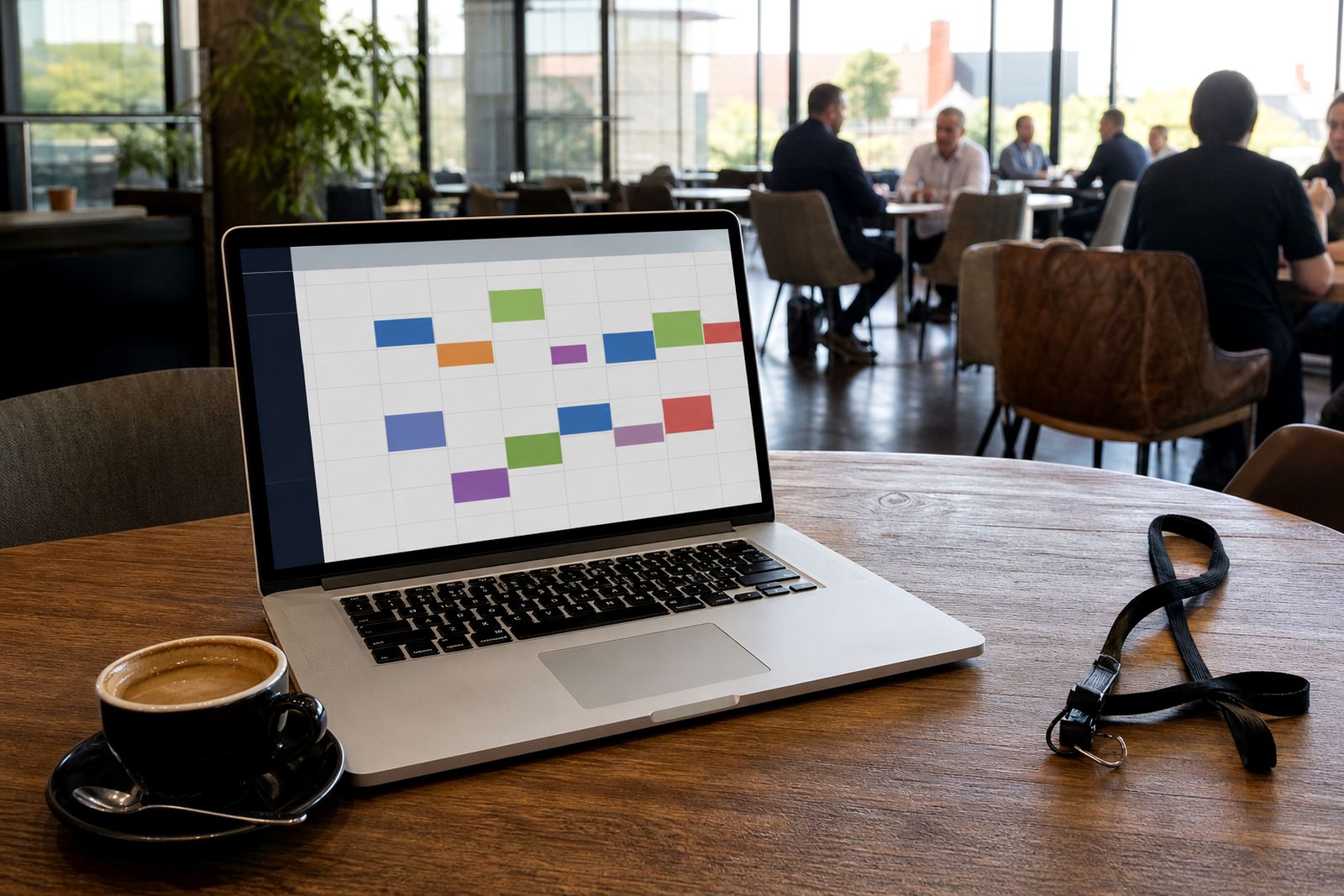
When a meeting is confirmed, both sides see it in their diary with the time, hall and table number where relevant. If a person is already booked in another slot, that time is simply not available. This keeps diaries clean and cuts the confusion that often happens when people try to manage expo appointments over spreadsheets or long email chains.
Users can usually work in one of two ways depending on the event rules. They can either send direct meeting requests to selected participants, or they can accept incoming requests from others who want time with them. It is meant to be quick enough to use on a normal office connection, and still manageable if someone is catching up from a phone between flights or during power cuts.
- Log in and complete your booking profile
- Browse or search eligible participants
- Open a person or company profile
- Pick an available fifteen-minute slot
- Send or accept the meeting request
- Receive confirmation with location details
Step-by-step setup before booking opens
Before anyone can book, the show must be configured correctly. We work with the organiser to load the meeting structure, including halls, zones, tables, slot times, and the participant groups allowed to meet each other. This part matters because a clean setup prevents diary bottlenecks later, especially at busy business-to-business events where lunchtime and mid-morning slots fill first.
Once the booking rules are in place, participant records are prepared and the booking window is scheduled. The organiser can choose whether all approved users can book from the start, or whether access opens in phases. This is useful when exhibitor data is final before visitor registration is fully settled. We also help check practical points such as break times between sessions and whether table numbering matches the floor plan exactly, because a small mismatch can create queues very quickly.
After setup, the organiser can test the booking path before release. That check covers access rights, slot visibility, booking limits and the way confirmations appear in user diaries.
What you need to prepare
The booking system works best when the organiser and participants provide complete, tidy information before launch. If records are missing key details, people tend to delay booking because they cannot tell who they should meet. A little preparation upfront usually means faster diary filling and fewer support questions in the final week.
- A final list of exhibitors taking part in meetings
- Visitor or delegate groups that are eligible to book
- Meeting dates, start times, end times and break periods
- Hall names, zone names and table counts
- Rules on who can request whom
- Any limits on daily meetings per participant
Participants should also prepare short profiles that explain what they offer or what they want to source. Clear descriptions help the right people book each other. For example, an exhibitor team should know which staff member will sit in which meeting stream, and visitors should know which product category or service area they are interested in. If there are venue access rules or long walking distances between halls, it is wise to allow enough time between zones too.
How pricing is worked out
Pricing is usually based on the scope of the show rather than on a one-size-fits-all package. We look at the number of participant groups, the number of halls or meeting zones, the complexity of the booking rules, and the amount of setup support needed before the event. A single booking stream for one conference floor is naturally simpler than a multi-hall expo where different attendee categories can book different exhibitor groups.
Other factors can include whether organiser staff need extra help with data preparation, whether there are several meeting areas with different table pools, and how much post-event reporting is required. We discuss these points during the enquiry stage so the organiser understands what affects the final cost and what can be kept simple. For exhibitors using the system within an event, booking access is controlled by the organiser's setup rather than by individual public sign-up.
Aftercare and support around the show
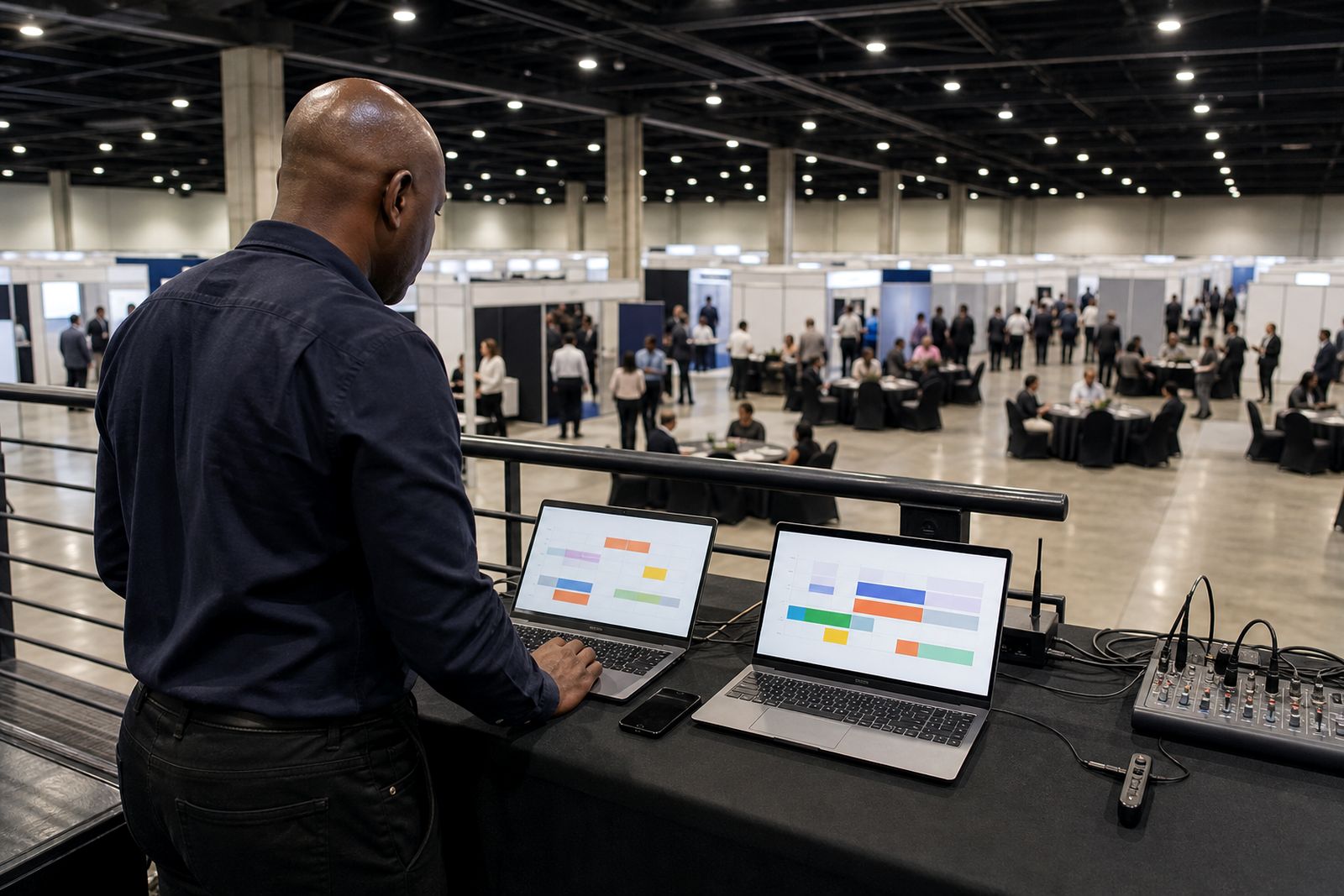
Once booking is live, aftercare focuses on keeping diaries accurate and helping the organiser manage changes. Participants may need to update availability, replace a team member, or clear a clash where somebody was added to the show late. The organiser also needs a clear view of how booking is progressing so they can prompt slow responders before the event starts.
On the event side, the system continues to support the booked schedule by carrying confirmed meetings through to reminders and table-number messaging. That means people do not have to search for emails or printed lists at the entrance. If a hall layout changes shortly before opening, table assignments can be updated in the system so attendees see the current location not an old one.
- Help with booking-window changes before the show
- Support for participant amendments and diary corrections
- Visibility on confirmed, pending and declined requests
- Carry-through to reminders and location details
- Support for last-minute table reallocation if needed
For organisers planning events across South Africa, this matters because travel days, venue access times and municipal event rules can shift at short notice. A booking system needs to stay practical when plans move a bit, not fall over because one table was renumbered.
What our Meeting Scheduling customers say
Verified Google reviews
Questions we get asked
Can people book meetings before they arrive at the show?
Yes. The main purpose is to let exhibitors and visitors fill their diaries before the event so they arrive with confirmed times and locations.
What happens if two meetings are requested for the same time?
The system prevents overlapping confirmed bookings for the same person, so users only see slots that are still available.
Do organisers control who is allowed to book whom?
Yes. Booking rules are set during setup, including participant groups, booking windows, meeting zones and any limits that apply.
Also worth a look


See the scheduler for your show
Send a note through our contact form with the kind of expo or conference you run and roughly how many exhibitors take part, and our team will set up a walk-through.
Open the contact form