

Matchmaking and requests
Matchmaking and requests helps the right exhibitors and visitors find each other before the show starts. It keeps the process practical, with clear meeting requests, simple approvals and fifteen-minute slots that fit a busy expo day.
What matchmaking and requests does
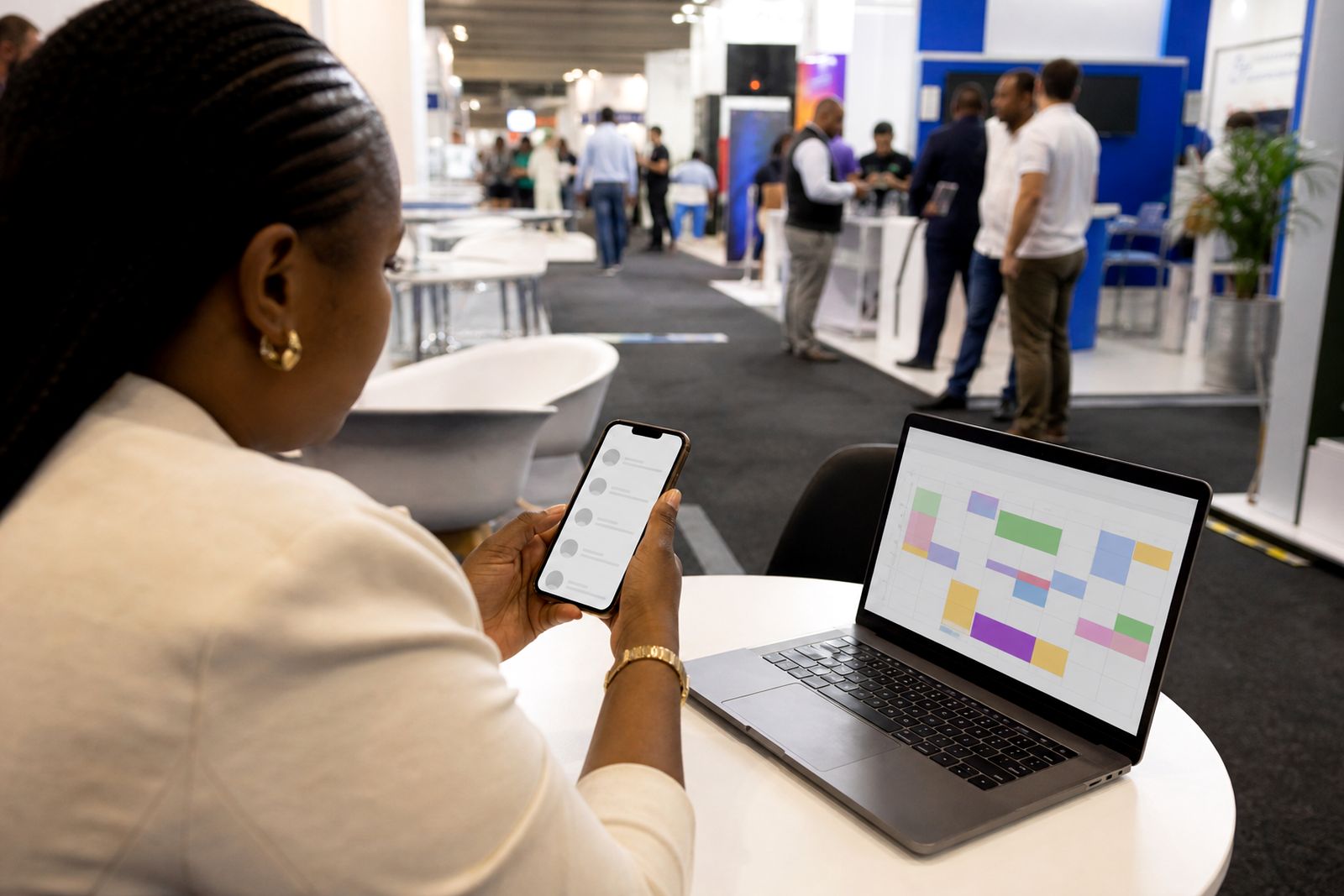
This feature gives attendees a structured way to find relevant people and ask for meetings before an expo or conference. Instead of relying on chance walk-ups in the aisle, exhibitors and visitors can review profiles, send requests, accept or decline invitations, and arrive with a booked diary already in place.
The system is built around fifteen-minute meetings. That fixed slot length keeps movement steady across the hall and makes table planning easier for organisers. Once a meeting is confirmed, both sides receive the booking details and, when the show setup uses numbered meeting tables, the app can include the table number with the reminder so there is less confusion on the day.
For organisers, matchmaking and requests also creates a cleaner planning picture. You can see where bookings are happening, which participants are active, and whether a hall layout is supporting the number of meetings expected. It is simple but it works well when the event team wants a process people can actually follow.
How matching works in practice
Matching starts with the information collected for each participant. The stronger the profile detail, the better the suggestions. Typical inputs include company type, product or service categories, buying interests, selling interests, role at the event and preferred meeting times. The software then suggests suitable people to meet and gives each side a way to send a request or respond to one.
Requests are handled inside the event schedule, so participants are not trying to manage separate lists and messages. If a time is already taken, that slot is no longer available. This prevents double-booking and helps exhibitors keep a realistic diary rather than a messy one.
- Suggested matches based on profile fit and event categories.
- Meeting requests sent before the show opens.
- Accept, decline or leave pending within the booking window.
- Automatic protection against double-booked time slots.
- Confirmed meetings tied to a specific fifteen-minute slot.
This suits events where exhibitors want qualified conversations, not just foot traffic. It is also useful where visitors need a reason to commit before travelling, especially for multi-hall shows in Johannesburg, Durban or Cape Town where time on site can disappear quickly.
Options and working limits
The feature is designed around a standard fifteen-minute meeting format and works best when the event follows that discipline. It can support attendee-to-exhibitor requests and exhibitor-to-attendee requests, depending on how the show is set up. Organisers can also decide how much profile information is shown and when bookings open and close.
There are some practical limits. If an event needs open-ended appointments, private off-site meetings, or long technical consultations that run for thirty to sixty minutes, this is usually not the right fit. It is made for short, structured meetings inside a managed expo or conference schedule. Very weak attendee data will also reduce match quality, because the system can only work with the information provided.
- Best for fixed fifteen-minute appointments.
- Works well when table numbers or meeting zones are clearly planned.
- Not ideal for walk-in only events with no pre-show engagement.
- Not ideal where every meeting needs a custom duration.
- Less effective if participant profiles are incomplete or vague.
If your show has a formal buyer programme, hosted meetings or a dedicated meeting area this feature tends to suit it well. If the event is mainly a public consumer expo with casual browsing, the value is usually lower.
Where it suits, and where it does not
Matchmaking and requests suits trade expos, business conferences with exhibition floors, supplier days, sourcing events and industry gatherings where attendees come with a clear reason to meet. It works especially well when exhibitors want to line up conversations with decision-makers before the first morning rush.
It also helps organisers who need structure across more than one hall. Because meetings are scheduled in equal slots, table use can be spread sensibly and the event team can see whether one hall is overbooked while another is underused. That matters at busy South African events where doors open, queues build and people move between sessions and stands.
It is less suited to events built around free-flow networking only, entertainment-led shows, or activations where the point is simply to maximise public attendance. In those settings, forcing formal requests can become admin without much return. A good rule is simple. If people will value knowing exactly who they are meeting and when, this feature is worth using.
Setup and site requirements
There is no complicated on-site installation, but the event still needs a proper setup plan. The strongest results come when the organiser prepares categories, participant types, meeting rules, opening and closing dates for requests, and a clean numbering plan for tables or meeting points. Small errors here can cause confusion later so it pays to get the setup right first time.
On site, attendees need a phone with normal browser access or a similar connected device to view their schedule and reminders. Stable venue connectivity helps, although confirmed bookings and table plans should be communicated clearly enough that people can still find their way during a signal dip or a power cut affecting local infrastructure.
- Clear participant categories and profile fields.
- A final list of exhibitors and approved attendees before booking opens.
- Meeting tables or meeting points with visible numbering.
- A defined booking window and cut-off before the show.
- Staff on site who can direct attendees to the correct meeting zone.
If your venue has more than one hall, tell us how movement between halls will work. Long walking distances matter when meetings are only fifteen minutes each, and thats something we factor into the setup advice.
Care, upkeep and what to tell us when you enquire
Good matchmaking needs active upkeep before the event. Profiles should be checked for clarity, categories should not overlap too much, and table numbering should be confirmed before reminders go out. A participant list with duplicate companies, vague descriptions or missing roles will produce weaker suggestions and more declined requests.
To keep the system useful, organisers should encourage exhibitors to complete profiles early and prompt visitors to request meetings before the booking window closes. It also helps to review the meeting zone layout one more time shortly before doors open, just to make sure the numbering on paper matches the numbering in the app.
When you enquire through our contact page, send the practical details that affect matching and bookings:
- Whether the event is an expo, conference or a mix of both.
- The city and expected hall layout.
- Whether meetings are exhibitor to visitor, visitor to exhibitor, or both.
- How many meeting tables or meeting points you plan to use.
- Your booking dates, show dates and any request cut-off.
- Any special rules for approving attendees or restricting who can meet whom.
That gives us enough to advise on fit, setup and any working limits before you commit. A short clear brief is better than a long one with missing basics.
What our Meeting Scheduling customers say
Verified Google reviews
Questions we get asked
Can attendees choose who they want to meet?
Yes. The system suggests relevant people, but attendees still send requests and respond to invitations. It is guided matching, not forced matching.
Does this only work for exhibitors?
No. It is commonly used for exhibitor and visitor meetings, and it can be set up to allow requests in one direction or both directions depending on the event rules.
What if our event does not use numbered tables?
The feature still works, but numbered tables or clearly marked meeting points make on-site handover much smoother. For busy shows, we strongly recommend a clear meeting zone plan.
Also worth a look

See the scheduler for your show
Send a note through our contact form with the kind of expo or conference you run and roughly how many exhibitors take part, and our team will set up a walk-through.
Open the contact form